*AI Builder
Write what you want changed. Your site updates in minutes.*
The AI Builder changes your site from a message: you write the request, the AI makes the change, the site is checked, and nothing goes live until you press Publish.
- 100 credits to start
- Nothing goes live without you
- Undo in one click
Ask. Watch your site change.
Six requests in a row, in a demo of the Builder studio: typography, layout, images, a new section, dark mode and translation. Each one is checked before it goes live.
Demo with six requests in a row to the Builder, each checked and published: sans-serif type and dark green buttons; the photo full width, with the headline on top; a new photo uploaded by the client; a new section with customer reviews; the site in dark tones; and a translation into Portuguese. The example site, for a café, changes with every request.
Three requests, exactly as they were written
We sent these requests to the Builder on test copies of our own sites. The images show the site before and the preview after, untouched. The requests were written in Portuguese; here they are translated.
-
01Colours and type
"I want to swap the yellow for a dark green on the buttons and highlights, and the headings in a more classic serif typeface."


-
02FAQ section
"Add a frequently asked questions section right before the contact, with 4 short questions and answers about how we work with the group's brands."


-
03Light theme
"I want the site with a light background, white or cream, and dark text. Keep the blue on the buttons and highlights."
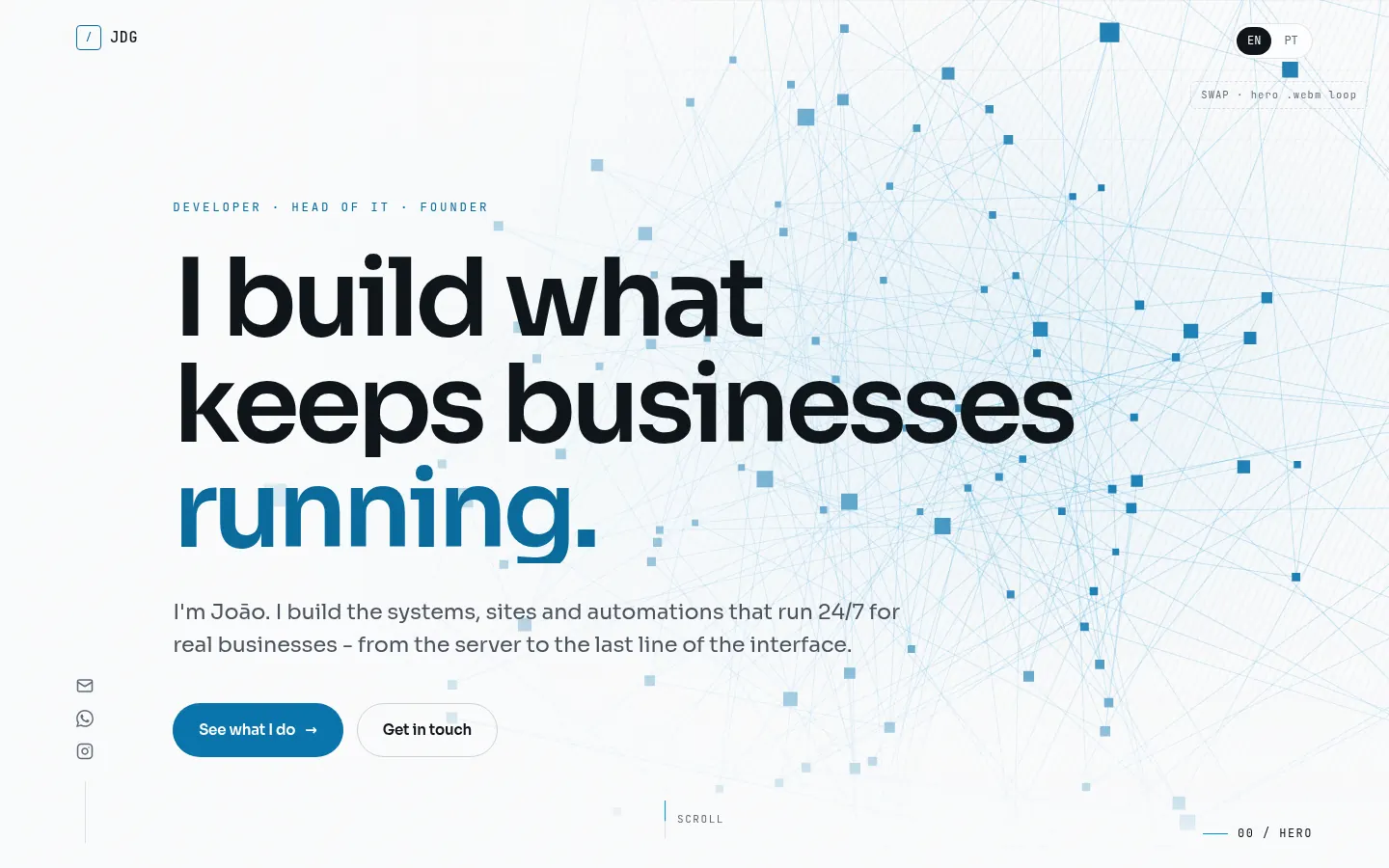
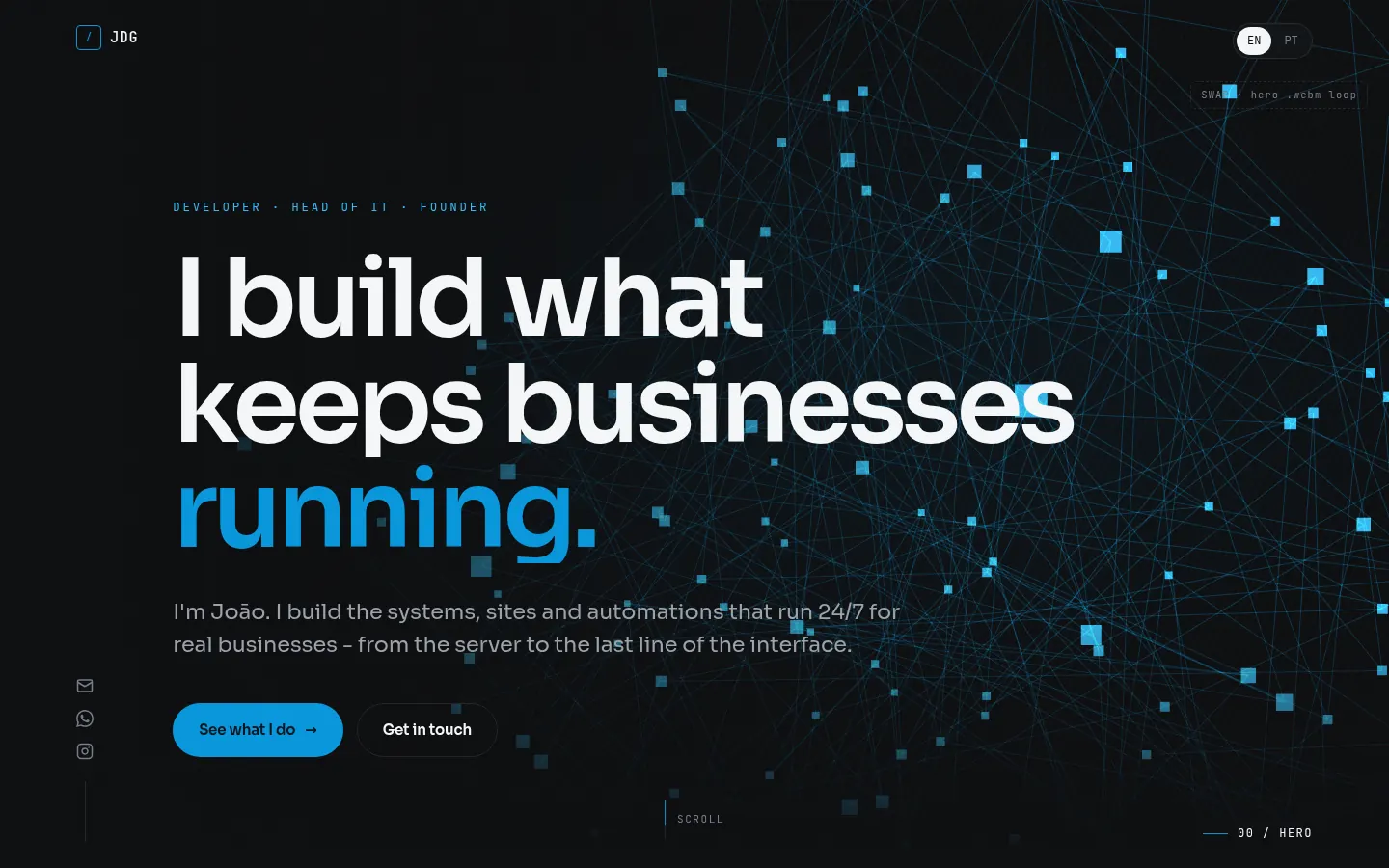
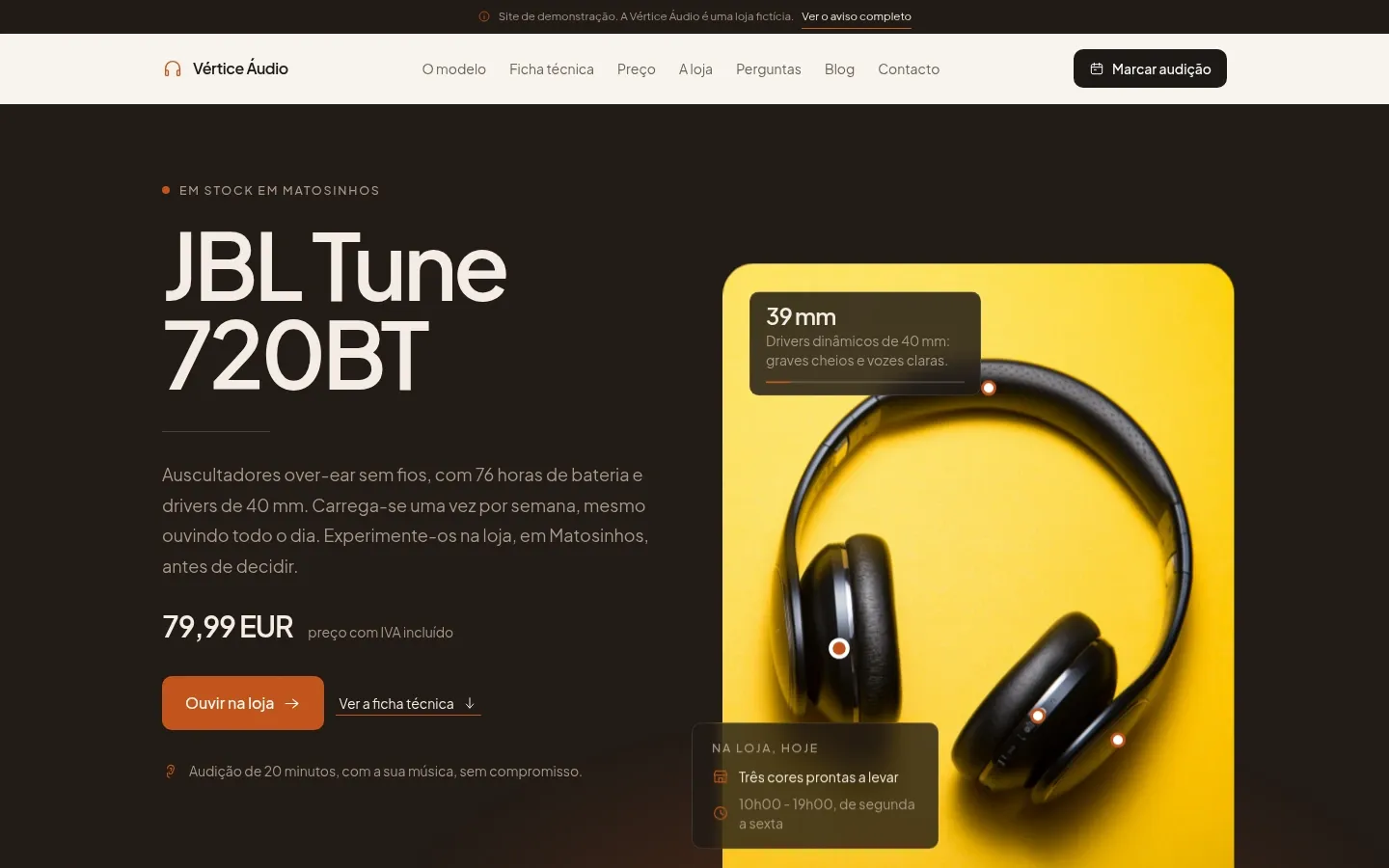
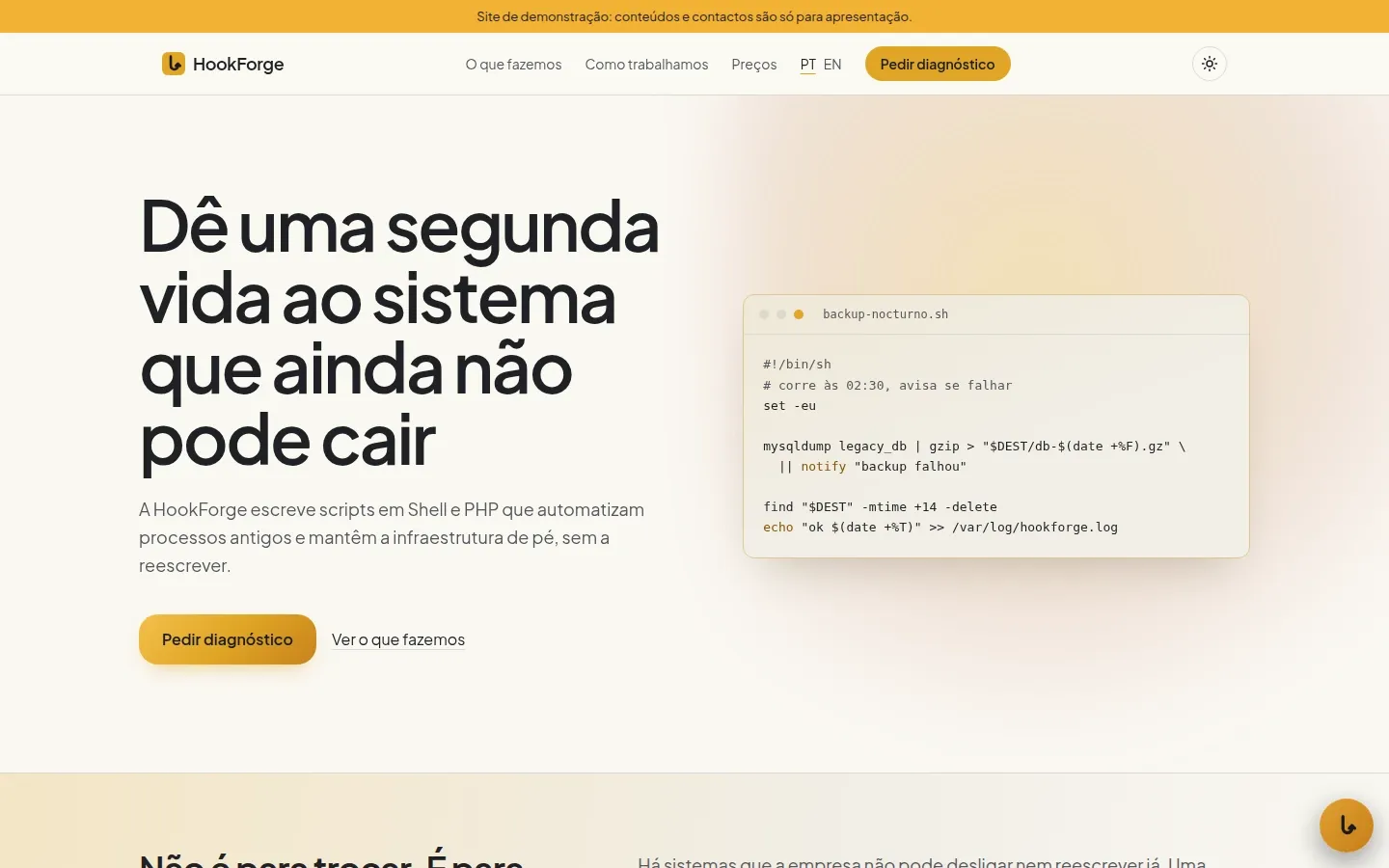
Four sites built from scratch by the Builder
Not a single line written by us: the AI built the whole site, from design to code, and passed the same checks. Open each one and see; HookForge is already live on its own domain.
-
-

-
-

What you can do, and what stays with us
The Builder changes your site safely. Anything involving money, data or access is still studio work.
You can ask the Builder to
- Change texts and headings, on any page
- Swap and add images
- Change colours and typography
- Change the layout and sections: add, remove, reorder
- Create new pages
- Translate the site into other languages
- Write the SEO texts: titles, descriptions, image text
- Answer questions about your site
- Undo any change with one click
Stays with the studio
- Online payments and checkout logic
- Backend, servers and databases
- User accounts and logins
- Integrations that need access keys, and third-party embeds
- Touching anything outside your site's folder
Need one of these? We build it, at a fixed price. Talk to me
-
Only on JoaoDG sites
It works on the Astro sites built and hosted by JoaoDG.
-
Checked before it goes live
Every change goes through the gate: if something gets worse, it is not published.
-
What is mandatory stays
The legal pages and the "Site por joaodg.pt" footer line always stay.
House rules come built in
Every change goes through the same checks as a site we build, before it reaches you.
- LegalLegal pages, cookies and the complaints book stay in place: the check refuses anything that removes them.
- AccessibilityChecked on every change, as on the sites we build: contrast, alt text and keyboard.
- SpeedThe site stays static, light and fast on mobile, with the same code as ours.
- SecurityThe AI only touches your site's folder: no passwords, no servers, no other clients.
How it works
From request to live site, in four steps.
-
Create your site
Start at app.joaodg.pt/criar-site, or ask us to connect the Builder to the site we already built for you.
-
Write the request
In your own words, like a message: "Add a section with the reviews." You can attach photos and text.
-
The AI works, the gate checks
The AI only touches your site's folder. Before it reaches you, the site is built and checked: legal pages, accessibility, nothing broken.
-
Preview and publish
The change shows up in a preview next to the chat. Publish when you want; if you don't like it, discard it or undo it later with one click.
Pay for what you ask
The Builder runs on credits, at about €1 each: 300 credits are enough to build a site. Each request costs by the steps the AI took (1 credit per 2), and only when it changes the site.
Every month you earn credits with missions, up to your care plan's limit: fill in the store setup form, connect your own domain, pay the invoice on time and publish at least 3 changes with the Builder. Unused ones carry over to the next month, up to 20; purchased credits never expire.
Mission credits per month
- 30Entry
- 40Basic
- 60Total
No plan, no missions.
Credit packs
- 25 credits€30
- 100 credits€70
- 300 credits€130
- 1000 credits€400
- 2000 credits€500
- Another amount, from 50 credits
Final price in euros. IVA - regime de isenção (art. 53.º do CIVA). A request only starts with at least 3 credits in the balance. On average, 100 credits cover 10 to 15 requests.
What a request costs
- 1 to 3 credits
- A tweak: texts, colours, a button, swapping photos, fixing details.
- 4 to 12 credits
- A new section or page, translating a page, redesigning a page.
- 13 to 30 credits
- A big job: redesigning the whole site, many pages and languages. Never more than 30 per request.
Costs nothing
- Questions and chat
- Requests that fail or that the gate refuses
- Undoing a change
Frequently asked questions
Is it safe to let an AI touch my site?
The AI works locked inside your site's folder: it only reads and writes pages, styles and images. It can't see passwords or servers, can't run commands and can't reach other clients' sites. Every request is logged, with what changed.
What if I don't like the result?
Nothing goes live until you press Publish. In the preview you can discard the change; once published, undo it with one click and the site goes back to how it was. Undoing costs no credits.
How do I know it won't break anything?
Before it reaches the preview, the site is built and checked: legal pages, 404 page, accessibility, punctuation and the footer credit. If something gets worse, the AI gets one round to fix it; if it can't, the request is undone and you don't pay.
What doesn't the AI do?
Online payments, logins, databases, integrations that need access keys and anything outside the site's folder: that stays with the studio. It also never invents data: a missing tax number, address or price is flagged for you to fill in.
How long does it take?
Most requests are ready in a few minutes, checks included. The examples above took between 1 and 5 minutes.
Does it work with any site?
With the Astro sites built and hosted by JoaoDG, including the ones you create at criar-site. For another site, talk to us: migrating often pays off.
How do I buy credits?
In the client area, in the Builder's Credits drawer: pay by card and the credits land in your balance right away, for all your sites.
Start with 100 free credits
Create your site and make your first request today. Already a client? Ask us to connect the Builder to your site.